- Navigate to the user account of the recruiter either by:
- Selecting the recruiter in Users from the main menu
- Selecting the username (not the company name) in Companies from the main menu
- Select “Edit commerce credits” from the admin links.
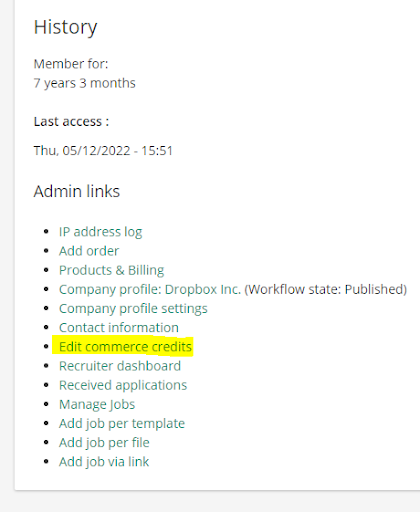
- Here, you will find the job and resume contact credits of a recruiter.
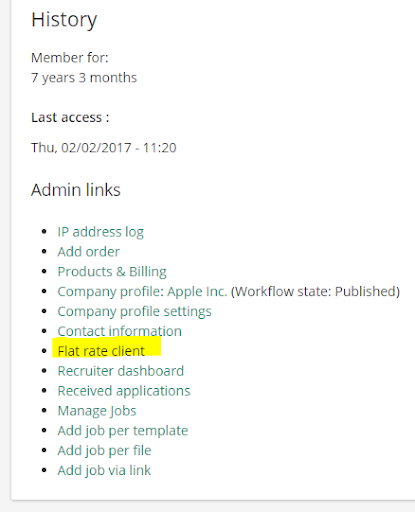
Note: If the recruiter is a flat rat client, this link will be replaced by the text “Flat rate client”, which is non-clickable as flat rate clients have unlimited credits.
- Change the credits to the desired number and click save.
- The new credit number will also be displayed in the credit balance setion in the recruiters view
- In the user balance log (Path: “Credit management” -> “User balance log”) you can find an overview of all the balance changes of every user and the corresponding date and time