- Navigate to "Orders" to the "Export" tab in the commerce section
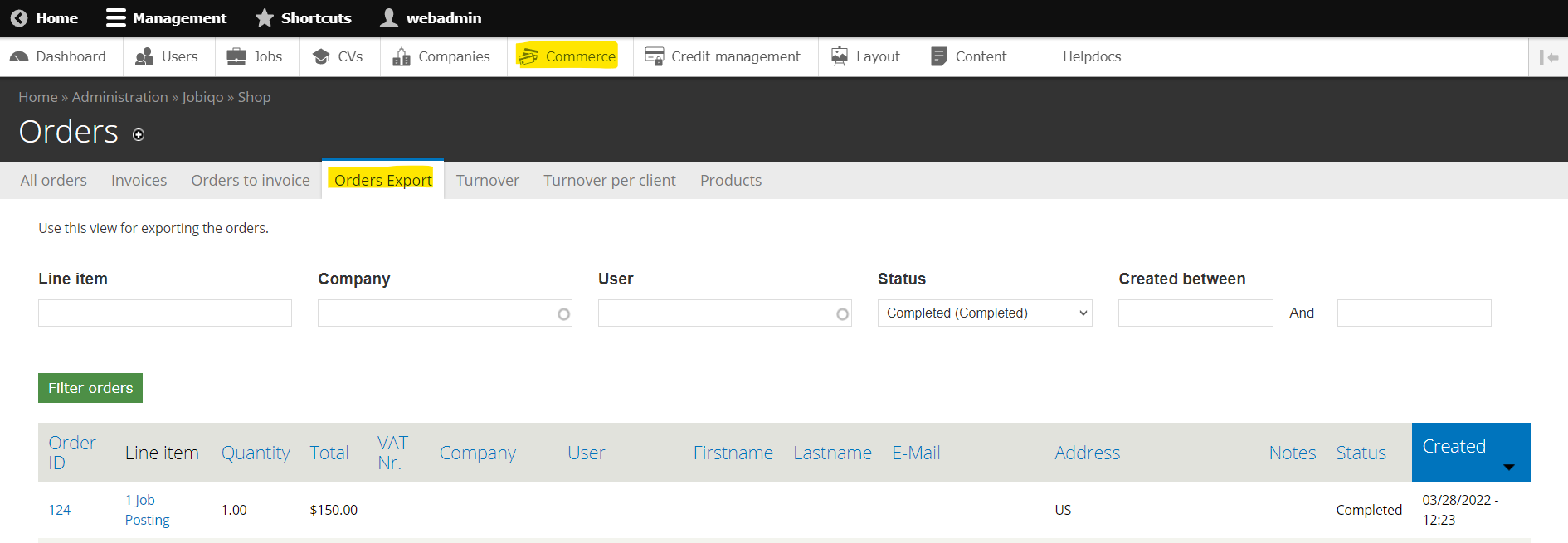
- Filter orders by
-
- Line item (e.g. 1 job posting or 5 contact requests)
- Company
- User
- Status (e.g. completed or invoiced)
- Creation date between two dates
-
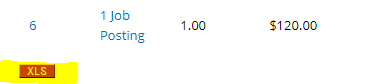
- After applying the filters, scroll down to the very bottom and find the small, red “XSL” button. Click on it to download the filtered orders in the .xls format, which can be parsed to other systems