The purpose of company profiles is to present an employer to applicants; thus, they are a form of employer branding. This feature represents an important communication tool for recruiters, in order to inform applicants about information such as:
General / Address information
This section includes items like a logo, a cover image but also other fields like address and social links. The “General information” box links to the address fields and social links, and will therefore not be displayed in an applicant view.
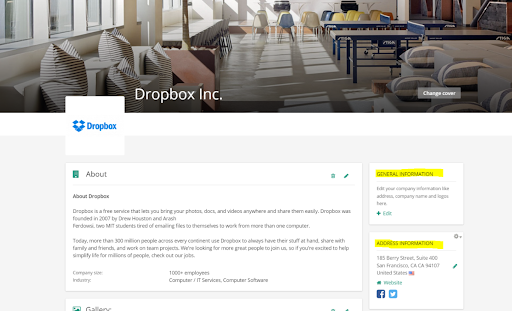
About
In the “About” section recruiters can add a longer description of the company together with some additional information like the industry, the size and other relevant information that describes the company and what it does.
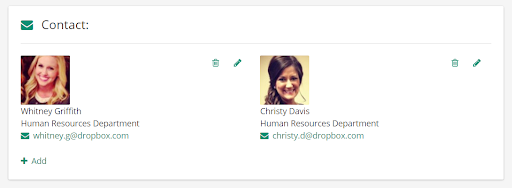
Contacts
In the company contacts, recruiters can add contacts that are relevant to be made public to applicants viewing the company. It is important to note that these contacts will be visible and can be used for someone to contact the company directly.
Company Benefits
To easily attract candidates and make the company more appealing, it is possible to add benefits, such as health case or gym memberships, to the company profile.
The benefits are site-wide taxonomy values, so the values available are the same for all companies.
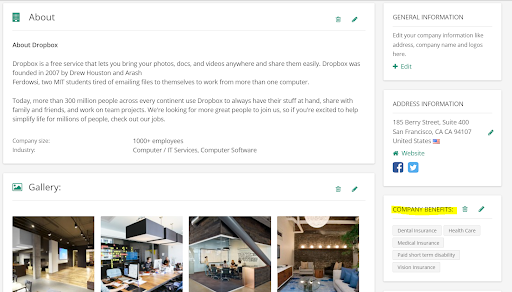
Image gallery
The image gallery allows the recruiter to submit as many images as wanted. They will be shown as a slideshow when the user clicks any of the images. Images can help applicants get a first impression of the company via visuals, such as office spaces, company culture, or dress code.
Video gallery
Similar to images, videos can help applicants better understand the company, see and hear testimonials from company employees and better understand if the company is a good potential fit for them.
Videos can be added from Youtube or Vimeo and the default video thumbnail will be displayed automatically.
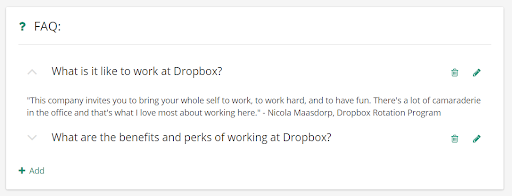
FAQ
To help applicants with potential questions they would like to ask, the recruiter can include frequently asked questions. They will show up at the end of the company profile page as the last profile section.
Jobs
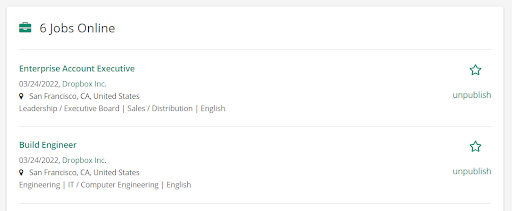
If the company has published jobs, they will be automatically displayed in the company’s public profile page.
Locations
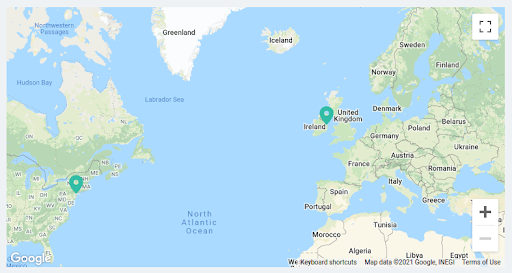
The recruiter can include locations that the company operates in by adding by adding additional addresses in the location section of the company's public profile. Locations will be displayed on a map with a pin for every locations which has been added.
Premium Profiles
While profiles can be set up in self-service and free of charge, we offer premium profiles as a form of subscriptions to generate an additional revenue stream. In this case, some fields on the company profile are only available for subscribers. Learn more about subscriptions in this article: How can I use subscriptions?
Admin Access
For more information on how to edit a company profile, please follow this article: How can I edit a company profile?