A content creator can access profiles of registered job seekers and change resumes manually on the platform:
Option 1: Access via backend for content creators
- Go to backend table “CVs” (Path: “Management” > “CVs”)
- You can easily find the CV you need by using filters
- Choose a CV and klick on it
- You can adapt personal information, job preferences, education, work experience, skills, and attachments.
- Make sure you save any changes made on the resume.
Content admins can also edit a CV's status under “CV Settings”. For more detailed information about CV statuses see this article: “What do the different resume statuses suggest?”. 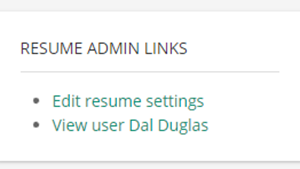
Option 2: Access via the recruiter overview on the job board (frontend)
- Go to “Search CVs” (Path: “For recruiters” > “Search CVs”)
- You can easily find the CV you need via the search function
- Choose an applicants CV and select it
- You can adapt personal information, job preferences, education, work experience, skills, and attachments.
- Make sure you save any changes made on the resume.