Skip to main content
Where can I see if I have any products left (e.g. credits, subscriptions)?
- Sign in to your account.
- Click on “Jobs” from the header menu to come to the Job Manager.
- You can view your credit balance beneath “Job credit balance”.
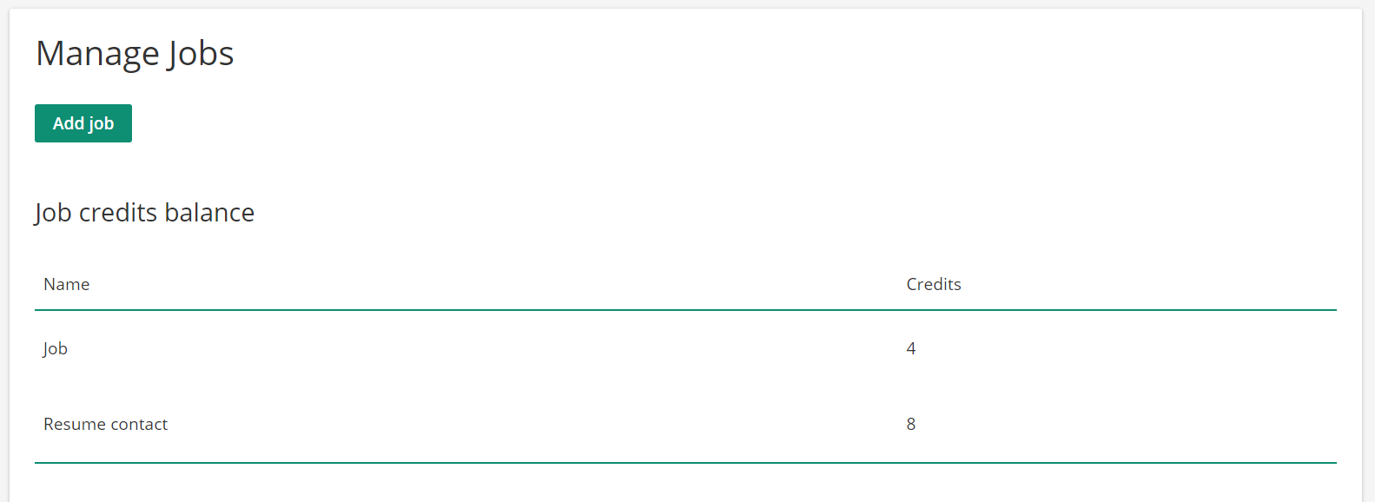
- Alternatively, you can view your credit balance when clicking on your initials in the upper right corner and selecting “Billing” from the menu.
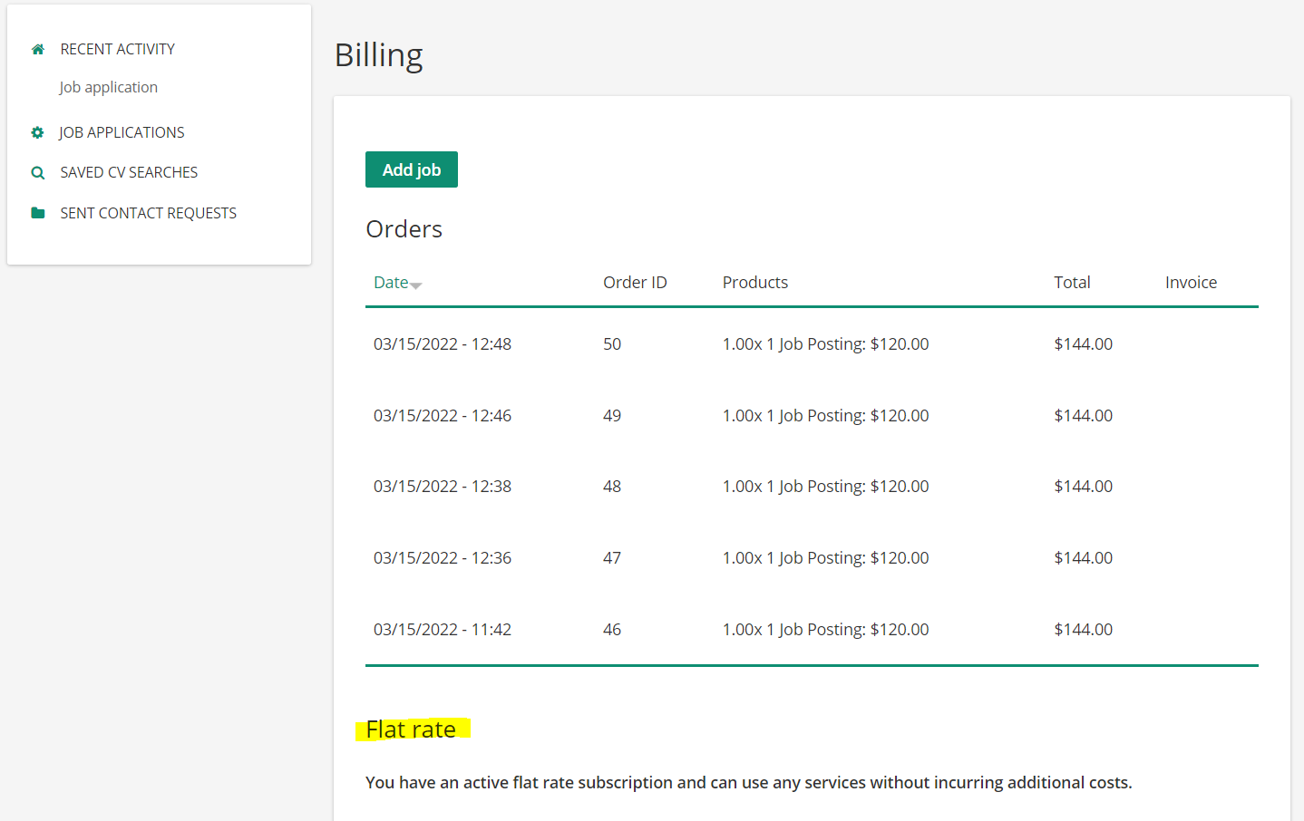
- If you have an active job flat rate subscription, you will find this as a hint beneath your orders in the billing section.
- If you have any credits or active job flatrate subscriptions and are about to post a job, the cart will be updated in the last step of the job checkout.