Skip to main content
Where can I see applications to my job?
- Once an application is submitted for your job, you will receive an email notification.
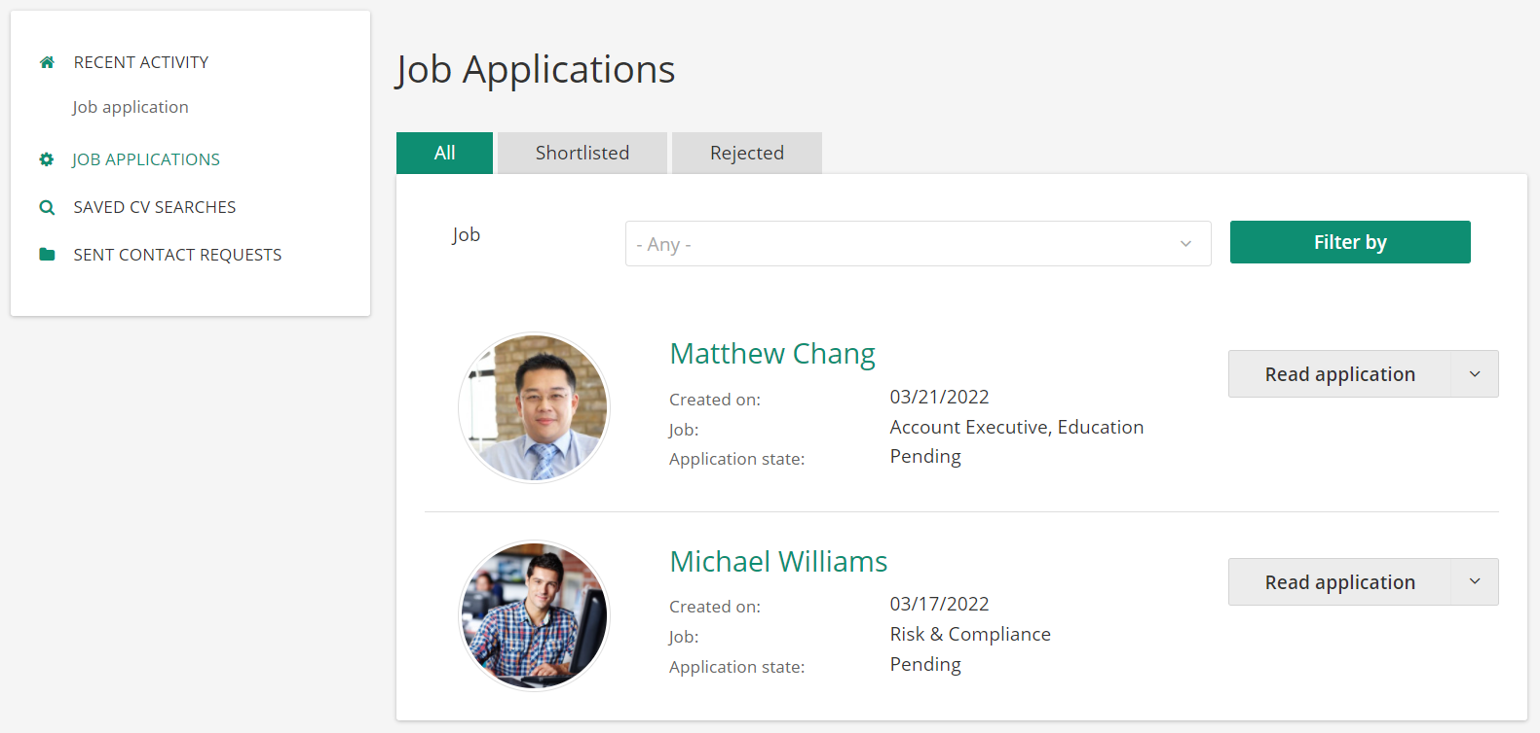
- You can also view the application in your user interface by signing in to your account. After signing in, click on Dashboard in the header menu. Click on “Job Applications” in the menu on the left side.
- You can find all applications to your jobs that use the internal application system in this overview.
Please mind that jobs with application systems on external sites are not shown in the list.