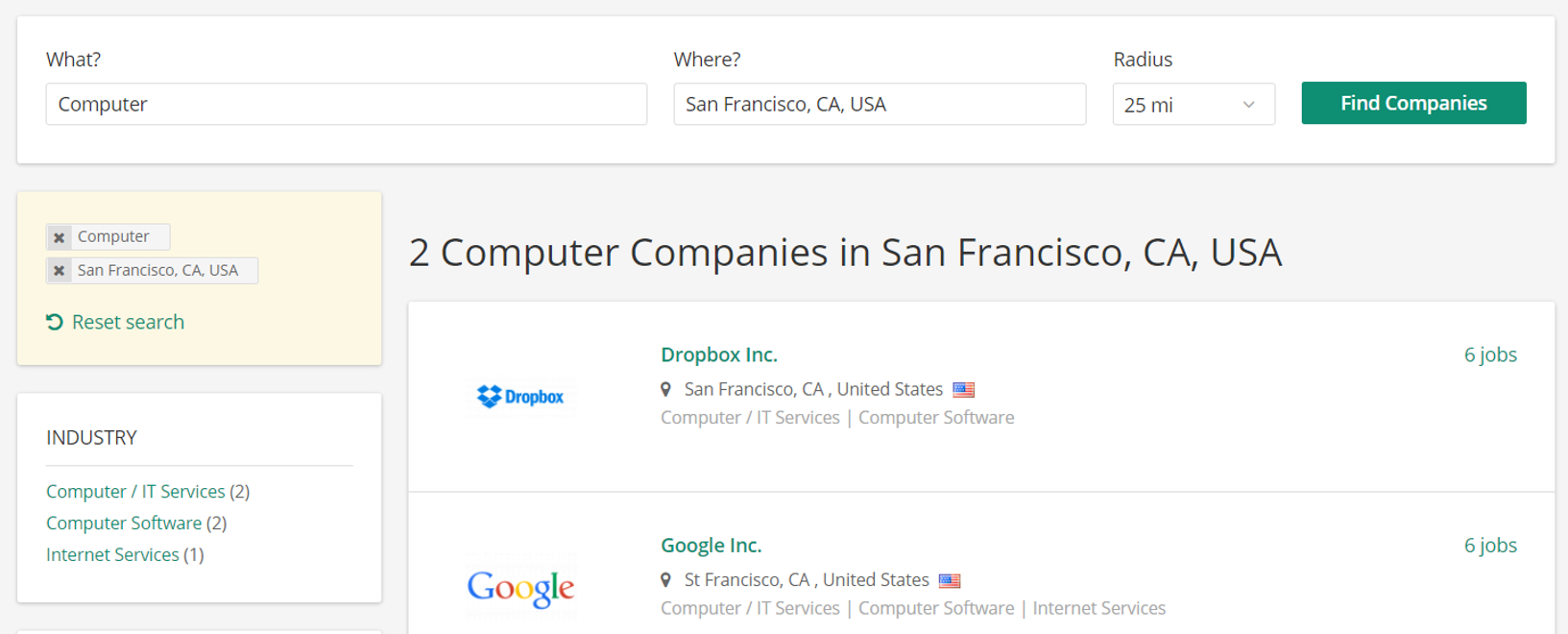
- Click on “Discover companies” in the main menu
- Now specify your search:
- Search for a keyword: Start typing and either choose a suggested company name from the list or search for a company by entering an individual term and confirm by pressing the "Find jobs" button.
- Search for a location: Add a location where jobs should be shown from and adjust the radius to your liking.
- Search for other filters (for example industry or company size): You can also choose multiple terms when setting a filter.
You can also select different values of multiple fields and apply multiple filters.
- Click on the search button if the filter has not been automatically updated yet (i.e. when you use the free-text search).
- You can now browse matching companies by selecting from the list
- If you want to change the company search specifications, you can reset your search.