- Go to the job search
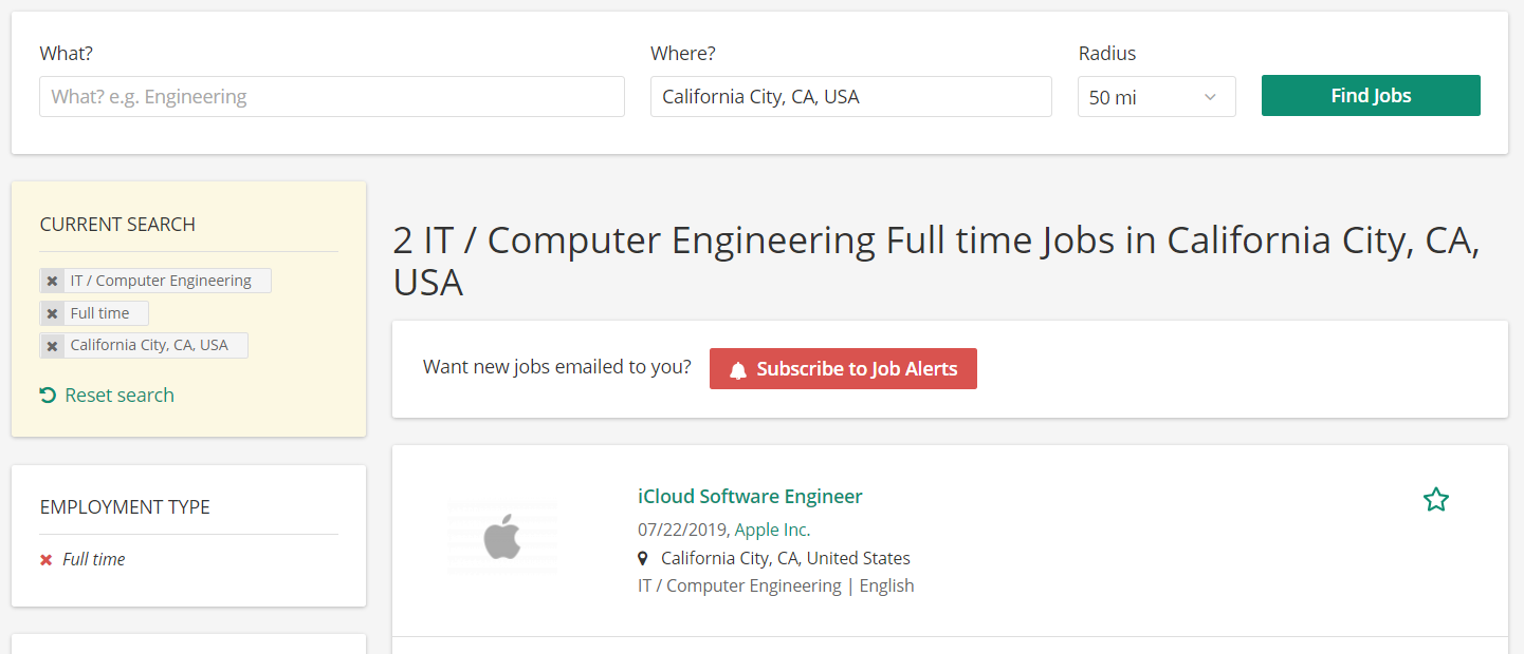
- There you can specify your job search:
- To search for a keyword: Start typing and either choose a suggested term from the list or search for the term entered by hitting enter or clicking on the button "Find Jobs"
- To search for a location: Add a location where jobs should be shown from and adjust the search radius to your liking.
- To search, using filters (for example employment type, occupations, region, or company): You can also choose multiple terms when setting a filter.
You can also select different values of multiple fields and apply multiple filters.
- Click on the search button if the filter has not been automatically updated yet (i.e. when you use the free-text search).
- You can now browse through the selected search results and select any job to be redirected to the job's description page You can go back by clicking “Go back” in the information box on the left or by clicking back in the browser.
More options:
- If you want to change the job search specifications, you can always reset the search.
- From here you can also create a job alert.
Once a job has been chosen, you can:
- Apply for a job
- Share the job on social media or via email