- Sign in to your account
- Click on your name in the upper right corner.
- Under the drop-down menu, click on "My Account"
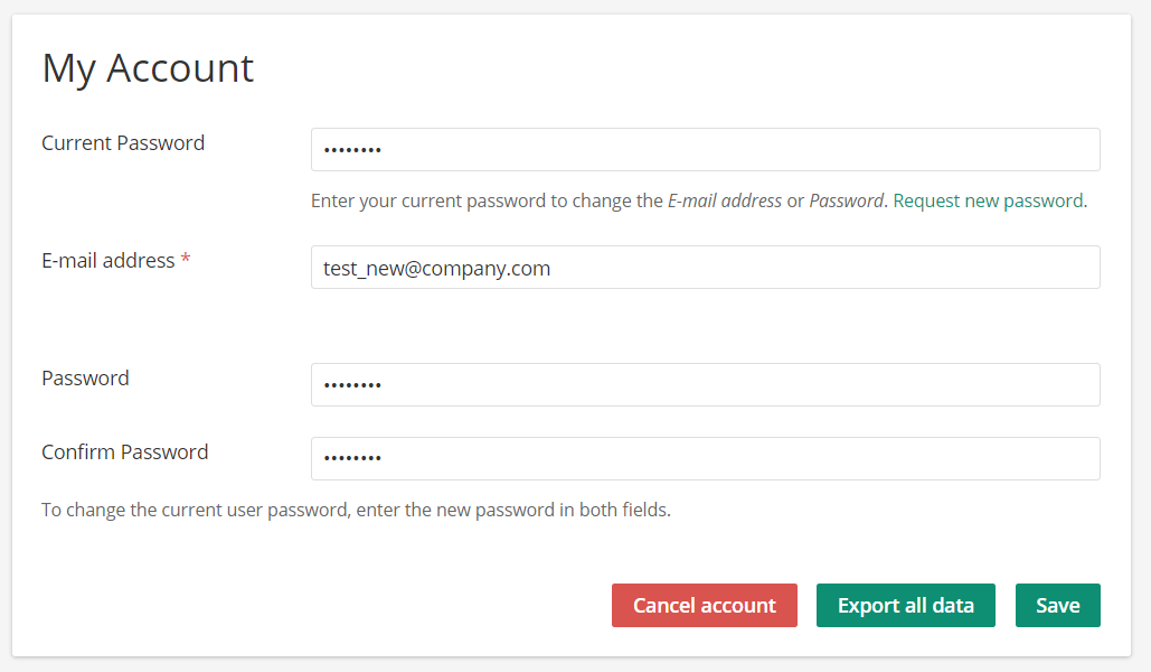
- You can now choose to edit your password by inserting a new one. Confirm the password by repeating it in the “Confirm Password” field. For security reasons you also have to insert your current password. Confirm the change by clicking on the “Save” button.