- Sign in to your account
- Click on your name in the upper right corner.
- Click on your name in the upper right corner.
- In the drop-down menu, click on "My CV"
- Now you can fill out all available fields such as education, work experience, skills. Keep in mind that to apply for a new job, the are the mandatory fields under the "Personal information" section, that need to be completed.
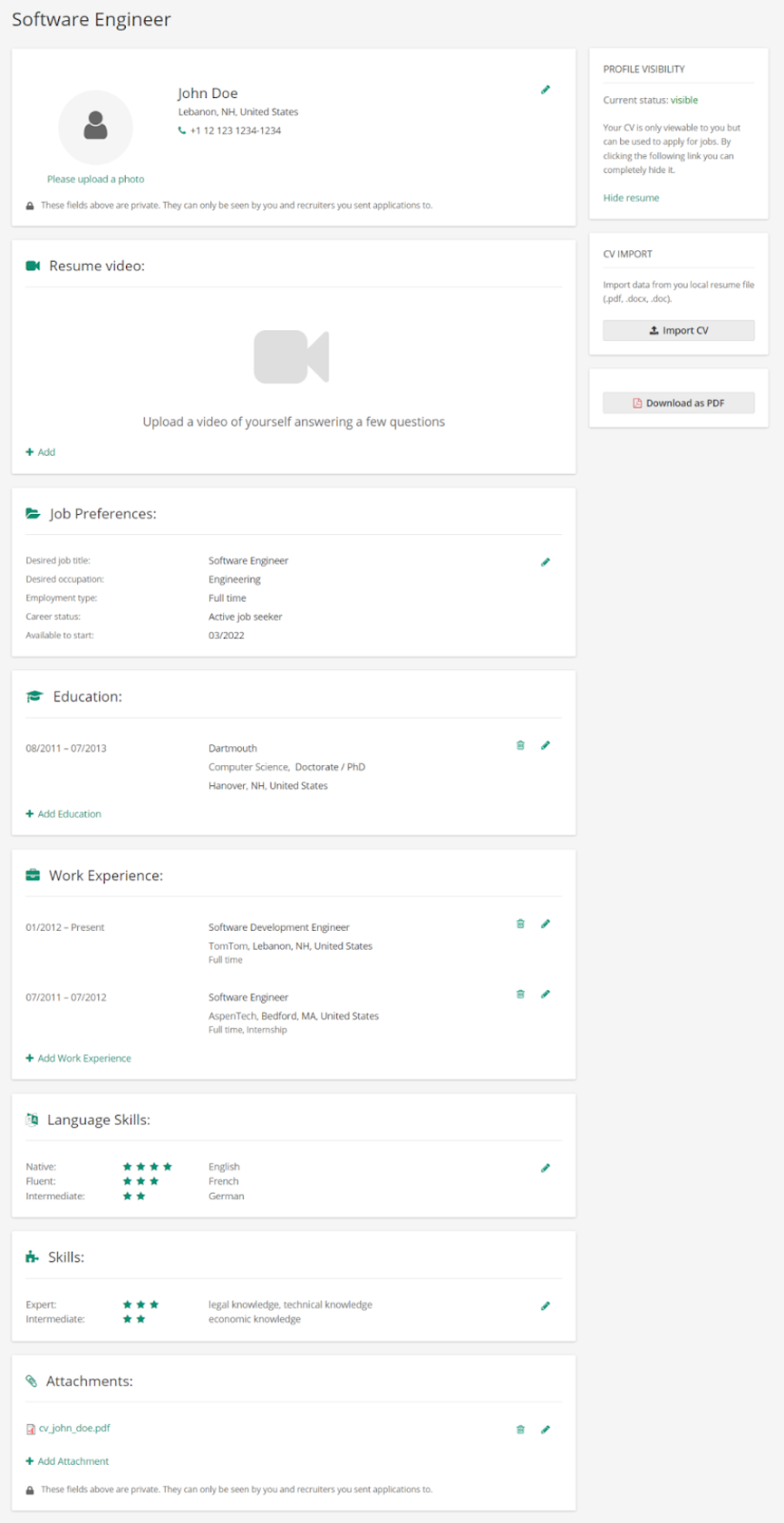
Other options in the CV view:
- Import your CV and automatically parse information from a document.
- Download your CV as a pdf
- Edit the visibility of your CV.