As a registered applicant, please follow these steps:
- Sign in to your account
- Go to the job search
- Choose a filter and/or enter a keyword for the desired search
- Click on the “Subscribe to Job Alerts” button directly above the first job result and click "Activate" in the pop-up window.
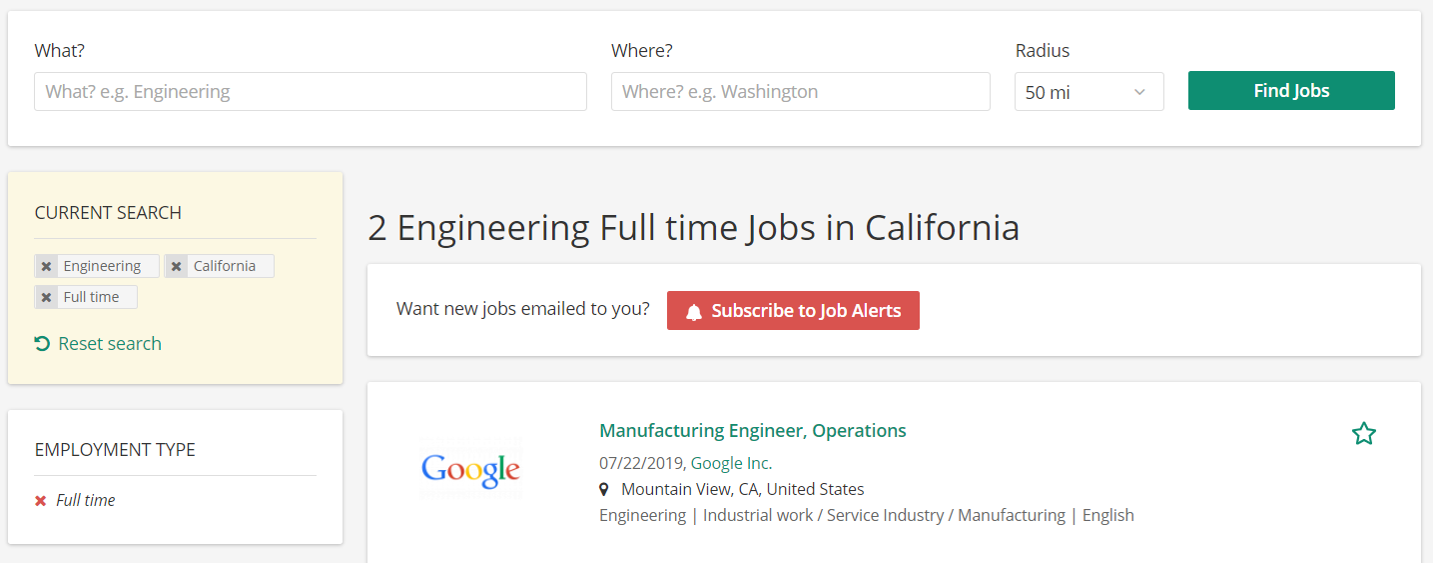
As an unregistered user, the workflow is slightly different:
- Go to the job search
- Choose a filter and/or insert a keyword for your desired search results
- Click on the “Subscribe to Job Alerts” button
- In the pop-up window, insert your email address and click on the button "Activate"
- An activation e-mail will then be sent to the entered email address
- Please verify your request by clicking on the link in the email you received