- Sign in to your account
- Click on your initials in the upper right corner. A menu opens. Please go to "My Account".
- You can now choose to edit your email address by inserting a new email address. For security reasons, you also have to insert your current password. Click on “Save”.
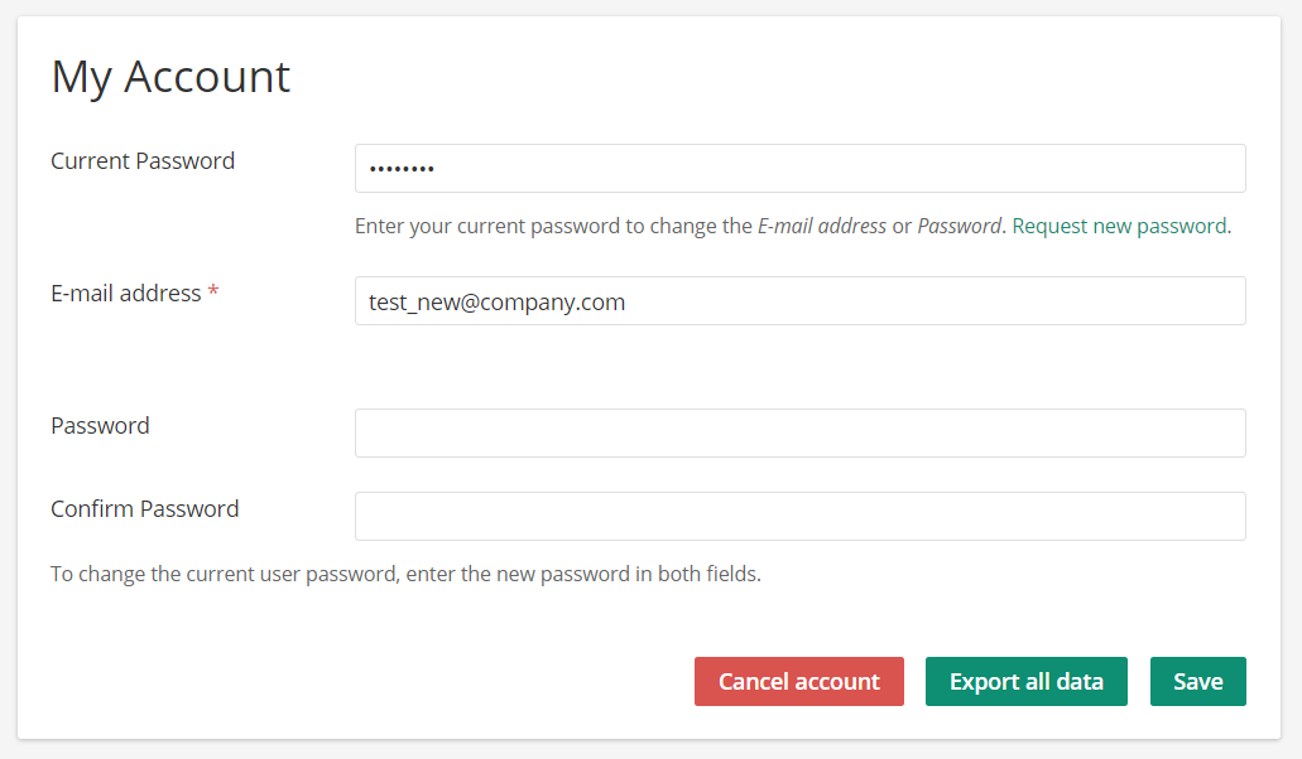
- A confirmation request email will be sent to your new email address. After verifying the change the email address is updated.
- This is a one-time URL - it can be used only once. It expires after 24 hours. If you do not click the link to confirm, your email address will not be updated.